We're here to help you get the most out of VBS Digital. When reporting issues, please include a link to your VBS Digital page. This will enable our technical support team to locate your account and investigate the issue.
You are viewing the VBS Digital Support Forum. For questions or feedback about Answers Bible Curriculum, visit the Answers Bible Curriculum forum.
Also, if you would like to influence the future development of VBS and it's features, please take our survey. Your feedback is much appreciated!

 Printable Registration
Why can't I print the student registration form? I went to promote and then to the tab to print and it comes up blank. Also, do you have this form in other languages?

Good afternoon Debbie,
You can print the student registration form from your Promote page here: https://myanswers.com/vbs/manage/29532/promotion/

You can also manually add registrations from the People page here: https://myanswers.com/vbs/manage/29532/people/
We do not offer multilingual support with VBS Digital, but please feel free to add alternate languages to your registration forms (https://myanswers.com/vbs/manage/29532/forms/) and public page (https://myanswers.com/vbs/manage/29532/public-page/).
Please let us know if you have any more questions or issues!
Arthur
AiG Web Support

Volunteer Training
Do you have volunteer training video resources or volunteer training pamphlets? Our church has done GROUP VBS in the past and they have great resources readily available to train volunteers at the volunteer meeting. Does AIG have anything like this?
Yes, please see the videos from our Zoomerang showcase event here: https://answersingenesis.org/vbs/zoomerang/showcase-event-resources/
We also have a Zoomerang resources page here with images, links to additional articles, and promo videos: https://answersingenesis.org/vbs/zoomerang/resources/
If you have purchased VBS Digital, you can see tutorials for the online platform here: https://myanswers.com/vbs/zoomerang/videos/tutorial-videos/
Please let us know if you have any more questions or issues!
Arthur
AiG Web Support

Countdown
We use Nucleus.church for our church website. I can get a free timer html code to work I found on the internet but I can't get the Zoomerang html code to work. https://myanswers.com/vbs/manage/29688/ On the web page, it grays out and says expired and doesn't even show the countdown box just gray lines. If I got to the source html of the promotion tools page, I can copy more code and get the countdown box to appear on the design page but still doesn't work and still only get event expired. Suggestions? I have seen the other posts about Java but I used Java script on the free countdown and it works fine.
Good morning Bo,
It sounds like you are talking about the JavaScript embedded countdown code in the Promotion Tools section?
Here is the code for your event (https://myanswers.com/vbs/manage/29688/promotion-tools/):
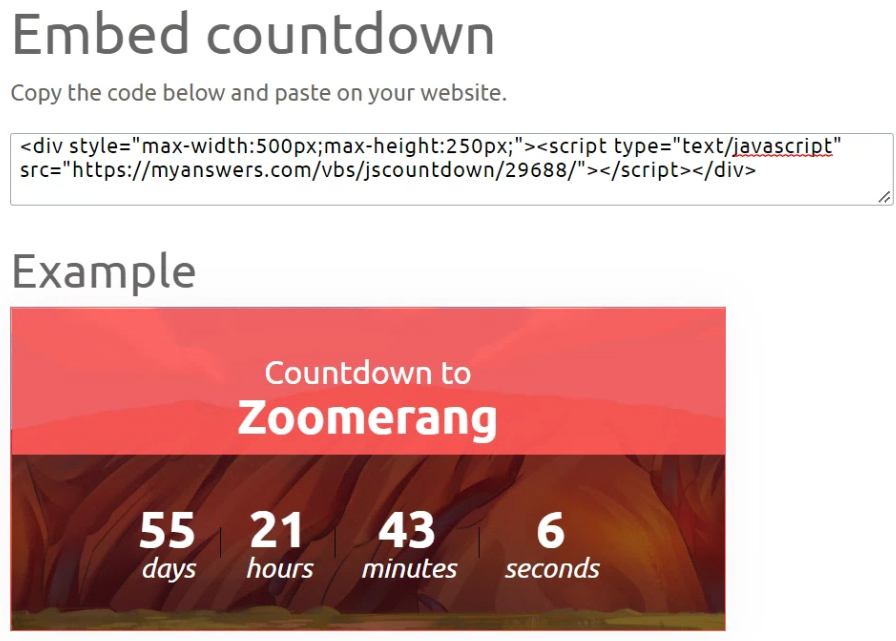
You may want to alter the width and height attributes on the countdown to make it fit your website; that shouldn't cause any problems. You can delete the "max-" parts to keep the box at an exact size.
I just tested the code in an HTML document and it worked fine for me: countdown-test.html
I would suggest checking that you've inserted the script in a content block that allows JavaScript; from what you described it sounds like the JS is being prevented from loading.
You can also download the JS being used and host it on your own website; that may solve the issue for you if the cross-site scripting is being blocked: https://myanswers.com/vbs/jscountdown/29688/.
Blessings,
Arthur
AiG Web Support
Adding volunteer registration to page
How do I add the volunteer registration form to my public page?
Good morning,
You can add the volunteer registration form to your public page by going to Promote -> Volunteer Registration, and toggling it on. Your public page also needs to be published. When you do both of those things, you will see a Volunteer link at the top of the page, as well as further down under the "Help Our VBS!" heading.


Please let us know if you need anything else!
Arthur
AiG Web Support

Missing Code
We Purchased the "Mystery Island" VBS 2 years ago but due to Covid-19 were not able to run it. Thankfully this year we are running it but have misplaced the code for VBS Digital. Is there any way to recover it or get another one?
Good morning Melodie,
No worries, I can help you with that! I generated a new code for Mystery Island Digital Pro and applied it to your account.
Please review your event and let us know if you have any more questions or issues: https://myanswers.com/vbs/manage/31577/
Thanks!
Arthur
AiG Web Support

Some volunteers are deleted. but the "volunteer needed" at the "enrolled volunteer" page still counts the deleted volunteers.
Some volunteers are deleted. but at the "enrolled volunteer" page , at the bottom "volunteer needed" , still counts the deleted volunteers. like a volunteer is deleted and re-register, its role as game helper is counted as 2 instead of 1. please help!
Good afternoon Tina,
Happy to help you with this, and thank you for the feedback! I have deleted the inactive volunteers from your Zoomerang VBS event and will make a task for us to fix the "volunteers needed" count so it doesn't include removed volunteers.
Blessings,
Arthur
AiG Web Support

Can Coordinator options be customized to include Assistant Director, Music etc?
We do music as a rotation, and also have a couple of Assistant Directors. Last year I think I made them all Directors on the digital tool....Is that the only option currently?
Good afternoon Chris,
Please see this knowledge base article: https://myanswers.userecho.com/en/knowledge-bases/2/articles/5268-what-are-the-different-coordinator-roles-and-their-permissions. These roles are what we have available for the time being, but we would like to add more down the road and make the various permissions more granular.
Blessings,
Arthur
AiG Web Support

web page video looks strange
Hi
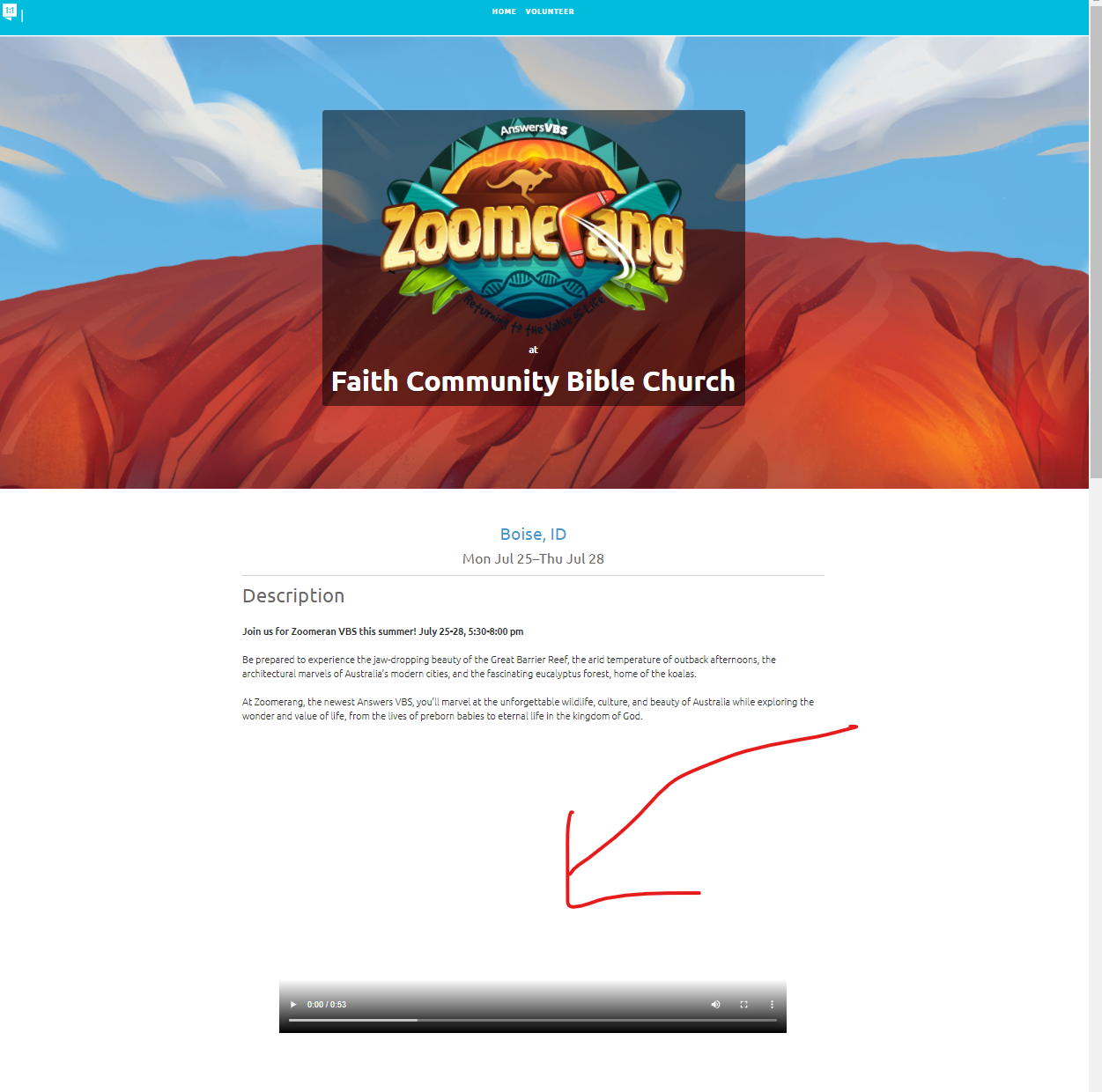
I opted to add the video to our web page but it shows as a blank spot with the controls below. Not very eye pleasing. Is there a way to fix this?
Hi Lori,
Just wanted to follow up with you—we have added a preview image to the Zoomerang public page video.
Have a blessed day!
Arthur
AiG Web Support

shorter script option
Good morning, where can I find the shorter script option for the drama production ?
Thank you
Good afternoon Anne-Catherine,
You can find the drama skits, including the ones for the short version, in your VBS Digital library here: https://myanswers.com/vbs/incredible-race/resources/dramas/scripts/.
Please let us know if you need anything else!
Arthur
AiG Web Support
2022 bulk rate for t-shirts
How do I get the bulk rate for my 2022 t-shirt order?
Hi Mike,
It looks like you were trying to order them on MyAnswers, which I think is the source of your problem with the bulk discount not applying as I don't believe bulk discounts work on that site.
I created a link to the AiG web store with your cart contents in it so you don't need to re-add them; please use that and let us know if you have any issues with the bulk discount not applying there.
Thanks!
Arthur
AiG Web Support
Customer support service by UserEcho